💡 Abstract
Finding the best AI tools for presentations means looking beyond flashy templates to platforms that genuinely streamline research, copywriting, and slide design. This guide evaluates 10 leading options—including HIX AI Slides Agent, Gamma, Canva, and Beautiful.ai—across content depth, adaptive layouts, workflow integration, and export reliability. Compare their core features, pricing, pros, and cons to choose the best AI presentation maker for your workflow.
Have you ever lost hours building a presentation, endlessly nudging images into place and tweaking stubborn formatting? Those days are officially behind you. Powered by AI, creating a sleek, polished slide deck now takes just a few minutes.
Next, I’ll share some of the best AI tools for presentations I personally use, which eliminate tedious manual adjustments so you can reclaim your time.
In this article
- What Makes the Best AI Presentation Maker
- The Best AI Tools for Presentations at a Glance
- 10 Best AI Tools for Presentations: In-Depth Reviews
- HIX AI Slides Agent: The Best All-in-One AI Tool for Presentations
- Gamma AI: Best Web-Native AI Tool for Presentation
- Canva: Best Template-Based AI Tool for Presentations
- Beautiful AI: Best Auto-Formatting AI Tool for Presentations
- Plus AI: Best AI Presentation Maker for Google Slides & PowerPoint
- Pitch: Best Collaborative AI Tool for Presentations
- Visme: Best AI Presentation Maker for Data Visualization
- SlidesAI: Best Text-to-Slides AI Tool for Presentations
- Presentations AI: Best Enterprise-Ready AI Tool for Presentations
- Prezi: Best Non-Linear AI Tool for Presentations
- Conclusion
What Makes the Best AI Presentation Maker
Before choosing a tool, look beyond flashy initial demos. A truly effective AI presentation maker needs to solve the entire workflow—not just slap text onto a background:
-
Context & Depth Over Fluff
Great presentations rely on accurate data and structured logic, not vague bullet points. The best tools can synthesize uploaded briefs, documents, or real-time web research into coherent narratives.
-
Smart, Adaptive Layouts
Rather than forcing your content into rigid templates, the AI should automatically balance text density, visual hierarchy, and whitespace—adjusting layouts dynamically as you edit.
-
End-to-End Workspace Integration
Generating slides is rarely an isolated task. You usually need to research a topic, draft copy, generate custom visuals, and export or share the final file. Switching between four separate apps kills your momentum.
-
Effortless Customization & Export
You should be able to refine tone, rewrite specific sections, or swap visuals using simple natural language prompts—and export cleanly without broken formatting.
The Best AI Tools for Presentations at a Glance
| Tools | Best For | AI Features | Custom Pricing(Start at) | Free Option |
|---|---|---|---|---|
| HIX AI Slides Agent | All-in-one AI presentation creation & deep research | Autonomous research-to-slides, prompt/doc-to-deck, AI slide visuals & data chart creation | $9.99/mo (annual) | ✅ |
| Gamma AI | Interactive, card-based presentations | Prompt/outline-to-deck, one-click slide restyling, AI slide imagery & deck copy rewriting | $9/mo (annual) | ✅ |
| Canva | Visual-first design & rich template variety | Magic Design for Presentations (prompt-to-deck), AI slide copywriting, instant deck translation & slide visuals | $10/mo (annual) | ✅ |
| Beautiful AI | Auto-formatting & smart layouts | DesignerBot prompt/doc-to-deck, Smart Slide auto-formatting, AI slide copy & visual generation | $14.50/mo (annual) | ❌ (14-day free trial) |
| Plus AI | Native Google Slides & PowerPoint add-in | Prompt/file-to-slides in Google Slides & PPT, AI slide "Remix" & deck copy rewriting | $10/mo (annual) | ❌ (7-day free trial) |
| Pitch | Real-time team collaboration & pitch decks | Prompt-to-pitch-deck generator, AI slide copy rewriting, tone adjustment & smart slide alignment | $10/mo (annual) | ✅ |
| Visme | Data visualization & interactive infographics | AI Presentation Maker (prompt/doc-to-slides), AI slide text/visuals & smart presentation charts | $12.25/mo (annual) | ✅ |
| SlidesAI | Fast text-to-slides conversion (100+ languages) | Long-text/notes-to-slides, AI slide paraphrasing, slide layout remixing & AI slide visuals | $10/user/mo (annual) | ✅ |
| Presentations AI | Enterprise-ready decks & PDF summarization | PDF/URL-to-slides, conversational deck editing, "anti-fragile" slide layouts & Brand Sync | $20/mo (annual) | ✅ |
| Prezi | Non-linear, zooming presentations | Prompt/file-to-zooming presentation, AI presentation outline editor, slide copy refinement & visuals | $7/mo (annual) | ✅ |
10 Best AI Tools for Presentations: In-Depth Reviews
Below, I dive into the standout features, pros, and cons of these 10 best AI presentation makers to help you find the right fit for your workflow.
HIX AI Slides Agent: The Best All-in-One AI Tool for Presentations
I’m putting HIX AI at the very top of this list because it’s a true end-to-end powerhouse. Rather than forcing you to gather research elsewhere first, you simply enter your topic and let the AI handle the heavy lifting. It automatically conducts deep research, synthesizes key insights, and builds a cohesive presentation theme tailored to your content.
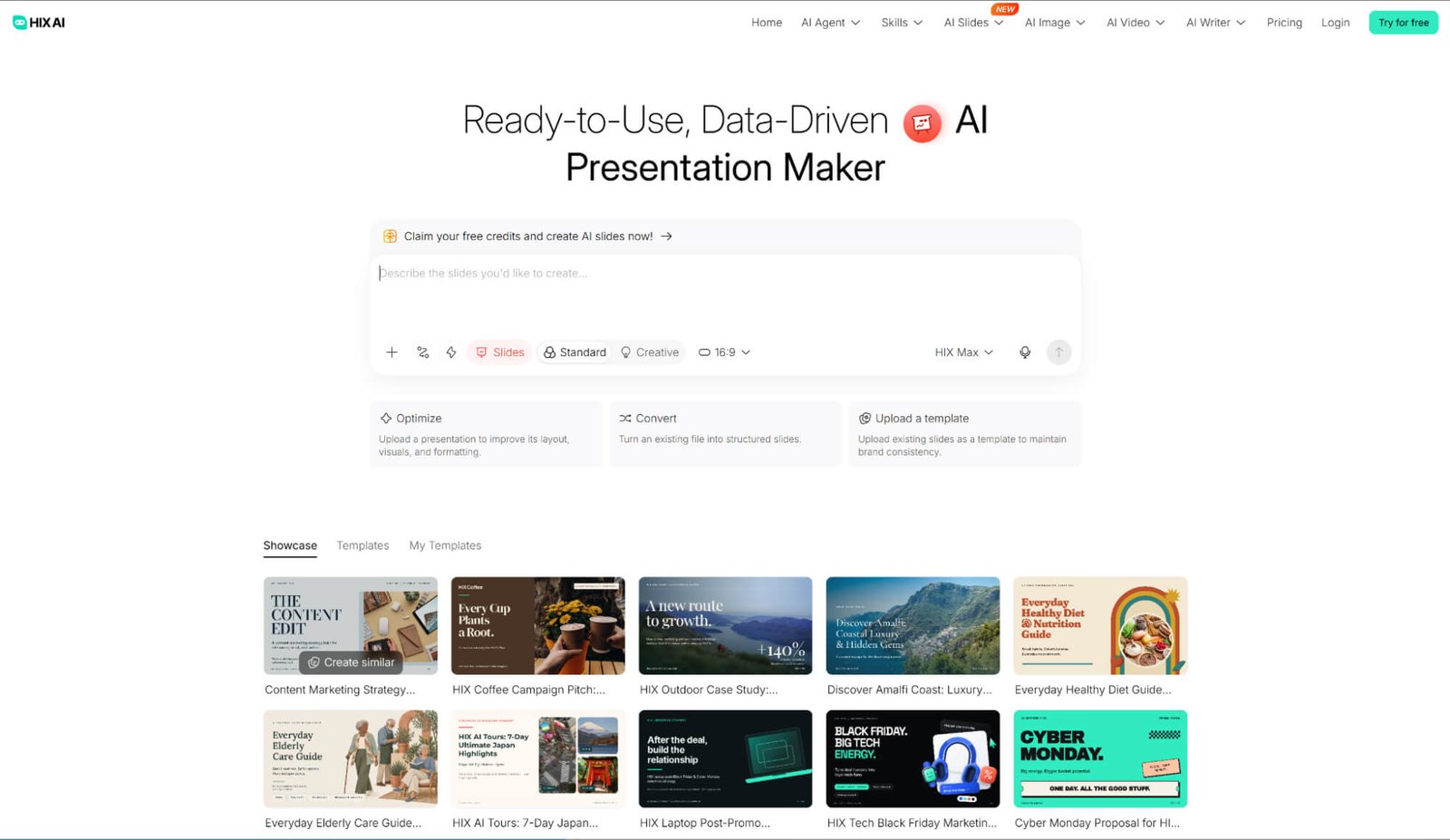
Already have source materials on hand? HIX AI Slides Agent can take existing PPTs, PDFs, images, HTML files, and even videos, transforming them into sleek, presentation-ready decks in moments.
Once your slides are generated, every single element remains fully customizable. Whether you want to adjust colors, rework layouts, or rewrite copy, you can fine-tune the entire deck using simple text prompts. When you're finished, simply export your presentation as a PPTX, PDF, or HTML file to match your exact setup.
For teams that need strict brand consistency, HIX AI also lets you upload your own custom PPT templates. The agent will adhere strictly to your uploaded design rules and branding during generation—making it effortless to produce polished, on-brand decks every single time.
Try HIX AI Slides Agent
Pros
- End-to-end creation with built-in deep research
- Multi-format input support
- Strict custom brand template adherence
- Element-level customization via text prompts
- Clean exports to PPTX, PDF, and HTML
Cons
- Credit-based limits on the free plan
- Less focused on webpage-style interactive embeds
Gamma AI: Best Web-Native AI Tool for Presentation
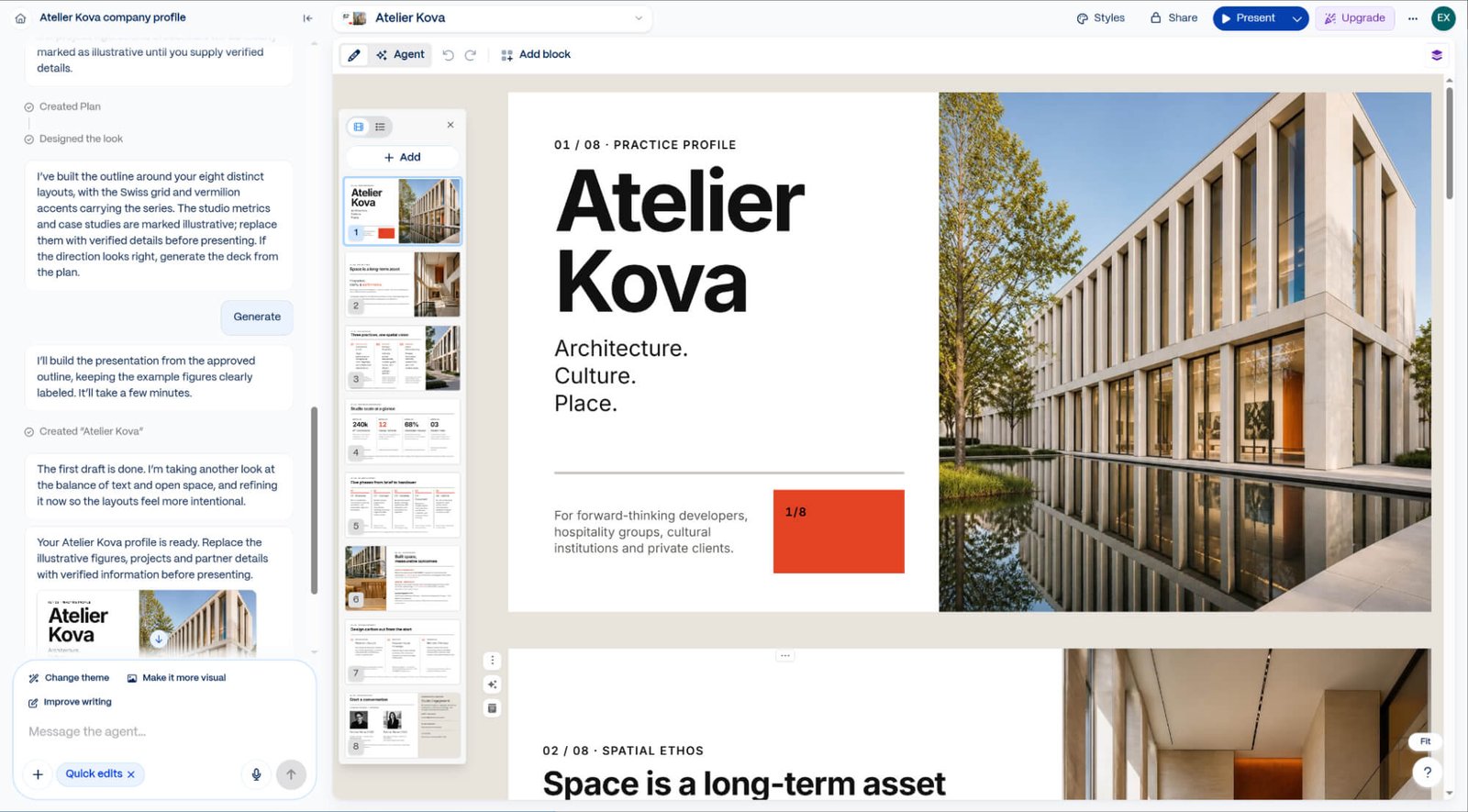
Gamma AI excels at smart, adaptive layouts, replacing rigid slides with flexible, web-native "cards" that automatically adjust to any screen size. While it doesn’t conduct deep web research on its own, it handles context well by turning pasted notes, existing documents, or short prompts into structured outlines in a few minutes.
For workflow integration and customization, Gamma’s clean toolbar lets you easily adjust layouts and embed interactive blocks—like charts, videos, and forms—without switching apps. You can present directly in Gamma, share a live link, or download your deck as PowerPoint, PDF, or image files, though exporting its fluid cards into traditional fixed-ratio .pptx slides can occasionally require minor formatting tweaks.
Pros
- Fast, card-based creation
- Rich interactive embeds & blocks
- Mobile-friendly, responsive layouts
- Flexible sharing & export options
Cons
- PowerPoint export layout shifts
- No built-in deep research
- Limited custom brand template support
Canva: Best Template-Based AI Tool for Presentations
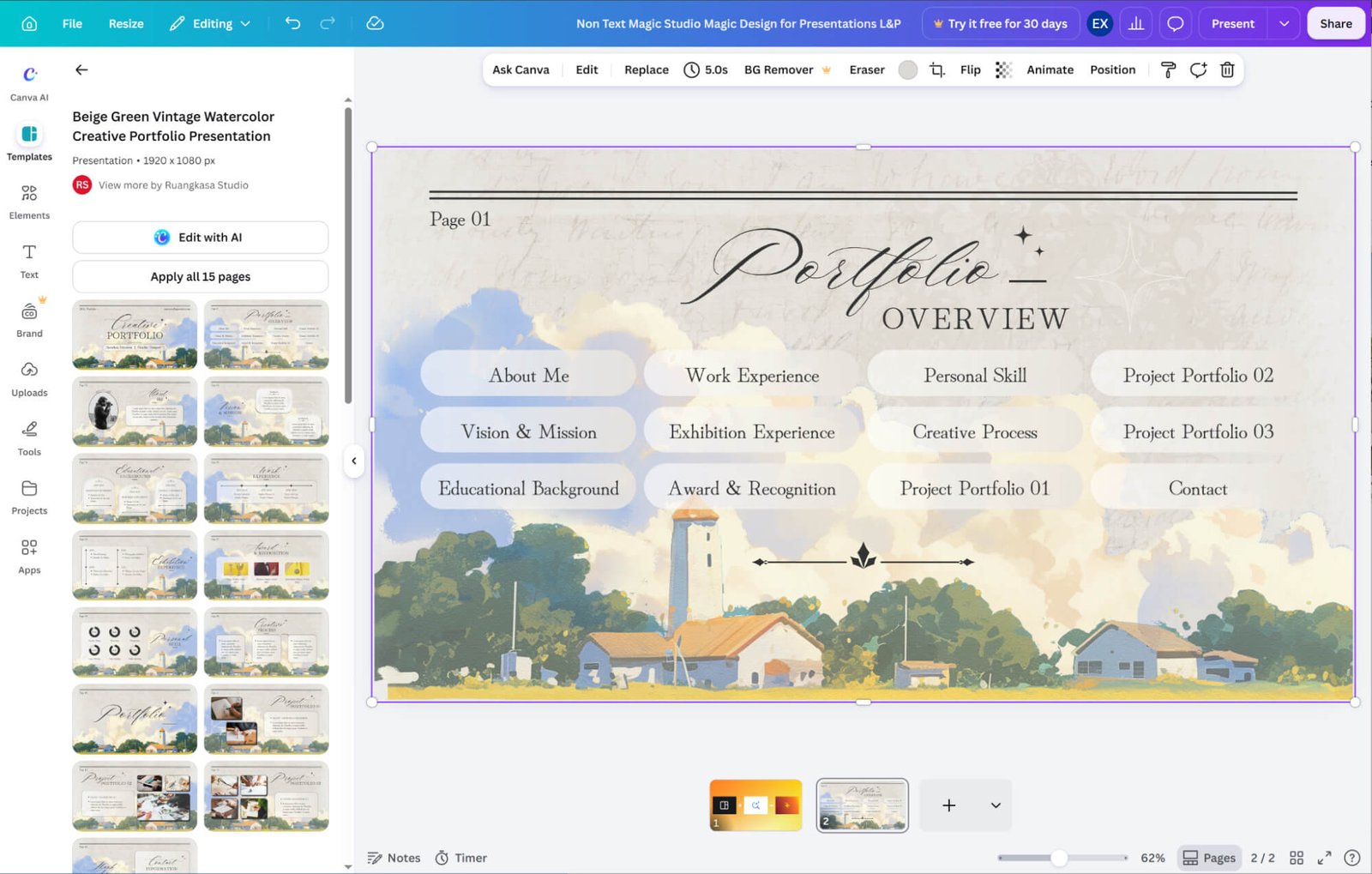
Canva shines in end-to-end visual workspace integration. Using Magic Design, you enter a simple prompt to generate a styled draft in seconds, then refine your copy with built-in AI writing tools and millions of stock assets under one roof. However, because it relies on basic prompts rather than deep research, it works best when you already have your core talking points ready.
When it comes to layouts and customization, Canva trades fully automated text-reflowing for unmatched drag-and-drop visual freedom. You can fine-tune every detail on the canvas with AI tools like Magic Media, apply your Brand Kit in one click, and export cleanly to PowerPoint or PDF—though achieving a polished look often takes a bit more manual layout tweaking.
Pros
- Vast template & stock asset library
- Unmatched drag-and-drop visual freedom
- Built-in AI image & copy tools (Magic Studio)
- One-click brand kit integration
Cons
- Often requires manual layout polishing
- No built-in deep research
- Key AI & brand features locked behind Canva Pro
Beautiful AI: Best Auto-Formatting AI Tool for Presentations
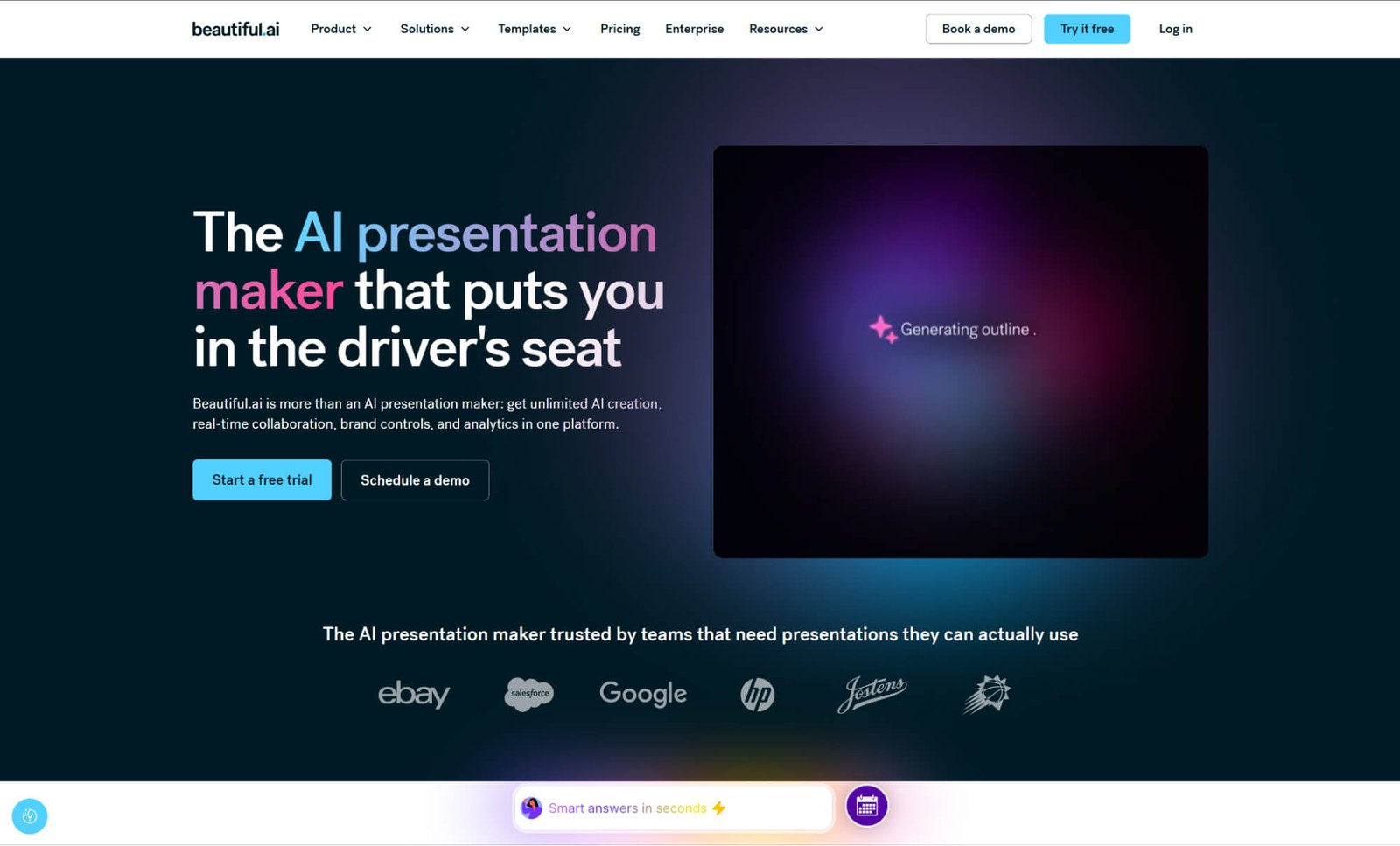
Beautiful AI masters smart, adaptive layouts through its signature "Smart Slides." As you type or add elements, the AI automatically adjusts spacing and alignment in real time—eliminating manual resizing.
For context and content, its built-in DesignerBot turns basic prompts into structured decks in seconds. However, because it focuses primarily on design automation, you will still need to gather your own deep research beforehand.
To streamline workflow integration and customization, the platform offers built-in stock libraries and lets you lock in strict brand themes—keeping fonts, colors, and logos consistent across every slide. Once polished, your presentation exports cleanly to PowerPoint or PDF with its formatting fully intact.
Pros
- Real-time auto-formatting with Smart Slides
- Strict brand consistency & theme controls
- Built-in stock assets & data visualization tools
- Clean PowerPoint & PDF exports
Cons
- No built-in deep research
- Rigid guardrails limit freeform design
- No free plan available
Plus AI: Best AI Presentation Maker for Google Slides & PowerPoint
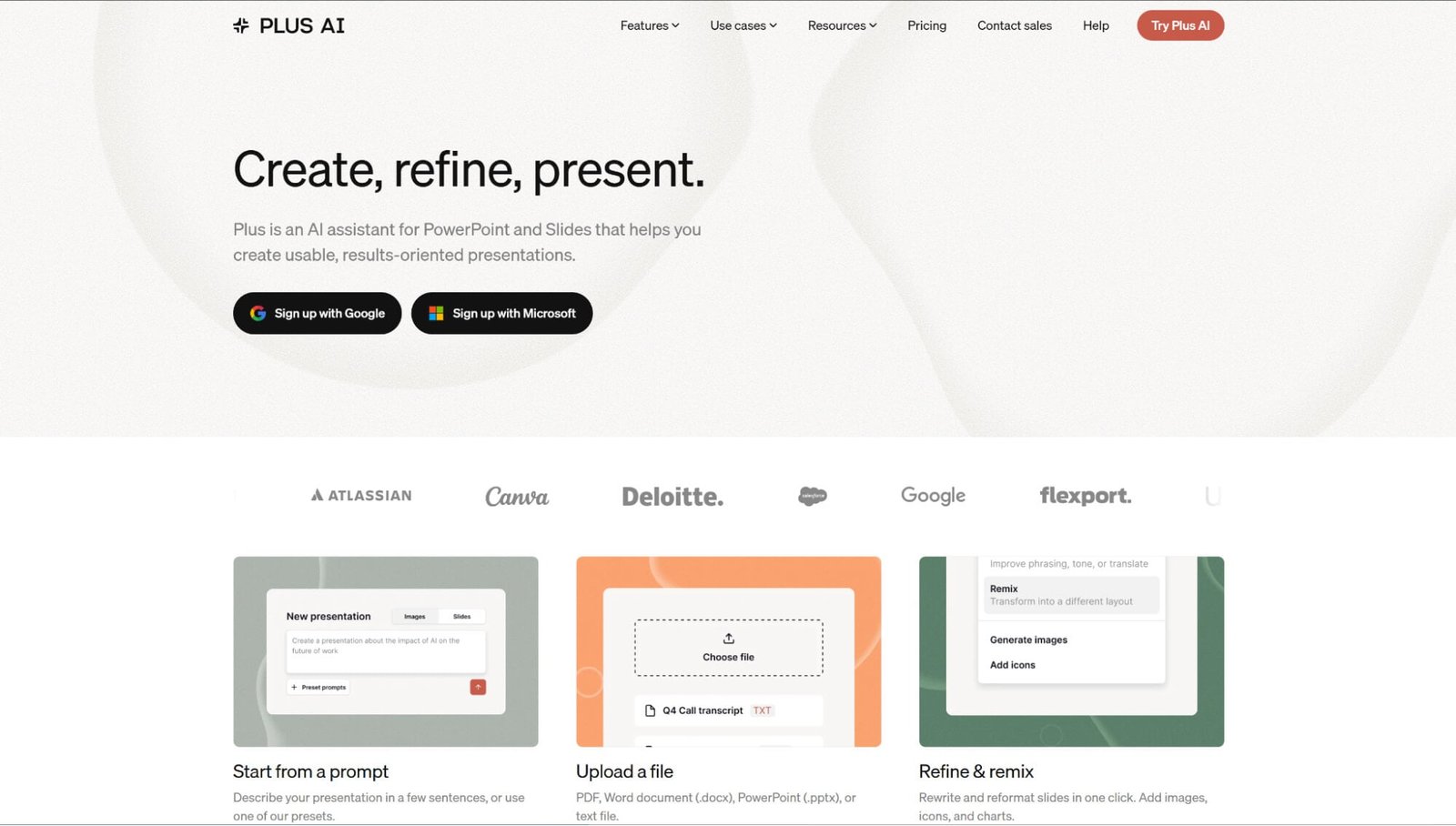
Plus AI shines in workflow integration by operating directly inside Google Slides and Microsoft PowerPoint as a native add-in. Rather than switching apps, you can turn prompts or uploaded documents into structured decks right inside your existing corporate templates—though you will still need to bring your own deep research.
Its built-in "Remix" feature instantly turns cluttered slides into clean, balanced layouts while preserving full native editing control. Best of all, because your deck lives natively in PowerPoint or Google Slides, you completely eliminate export headaches and formatting shifts.
Pros
- Native Google Slides & PowerPoint add-in
- Seamless corporate template adaptation
- Instant layout fixes with "Remix"
- Zero export or formatting glitches
Cons
- No permanent free plan
- Limited built-in stock & interactive media
Pitch: Best Collaborative AI Tool for Presentations
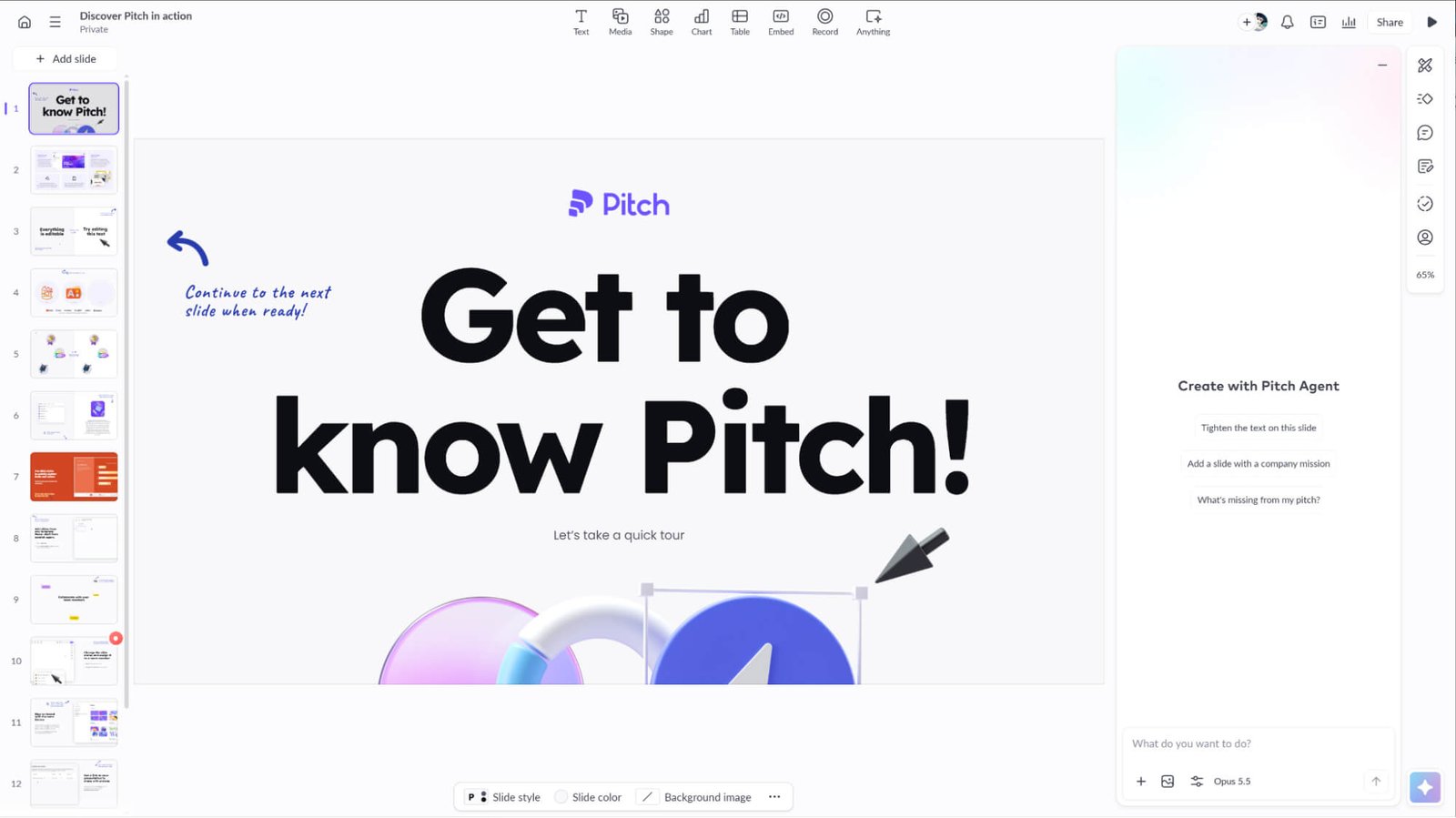
Pitch excels in collaborative workflow integration, turning deck creation into a real-time multiplayer experience. While its AI turns basic prompts into structured drafts (leaving deep research to you), teams can co-edit live, assign slides, and leave comments in one shared workspace.
As teammates collaborate, smart layouts automatically align elements, while shared brand libraries keep fonts and colors consistent across every slide.
When finished, you can export cleanly to PowerPoint or PDF—or share a live link with built-in analytics to track how clients and investors engage with your deck.
Pros
- Real-time multiplayer collaboration & slide assignments
- Sleek templates & smart auto-alignment
- Built-in link analytics for external sharing
- Clean PowerPoint & PDF exports
Cons
- Strict AI credit limits & no outline editing
- Watermarked exports & no PPTX on free plan
- Advanced analytics & team features require paid plans
Visme: Best AI Presentation Maker for Data Visualization
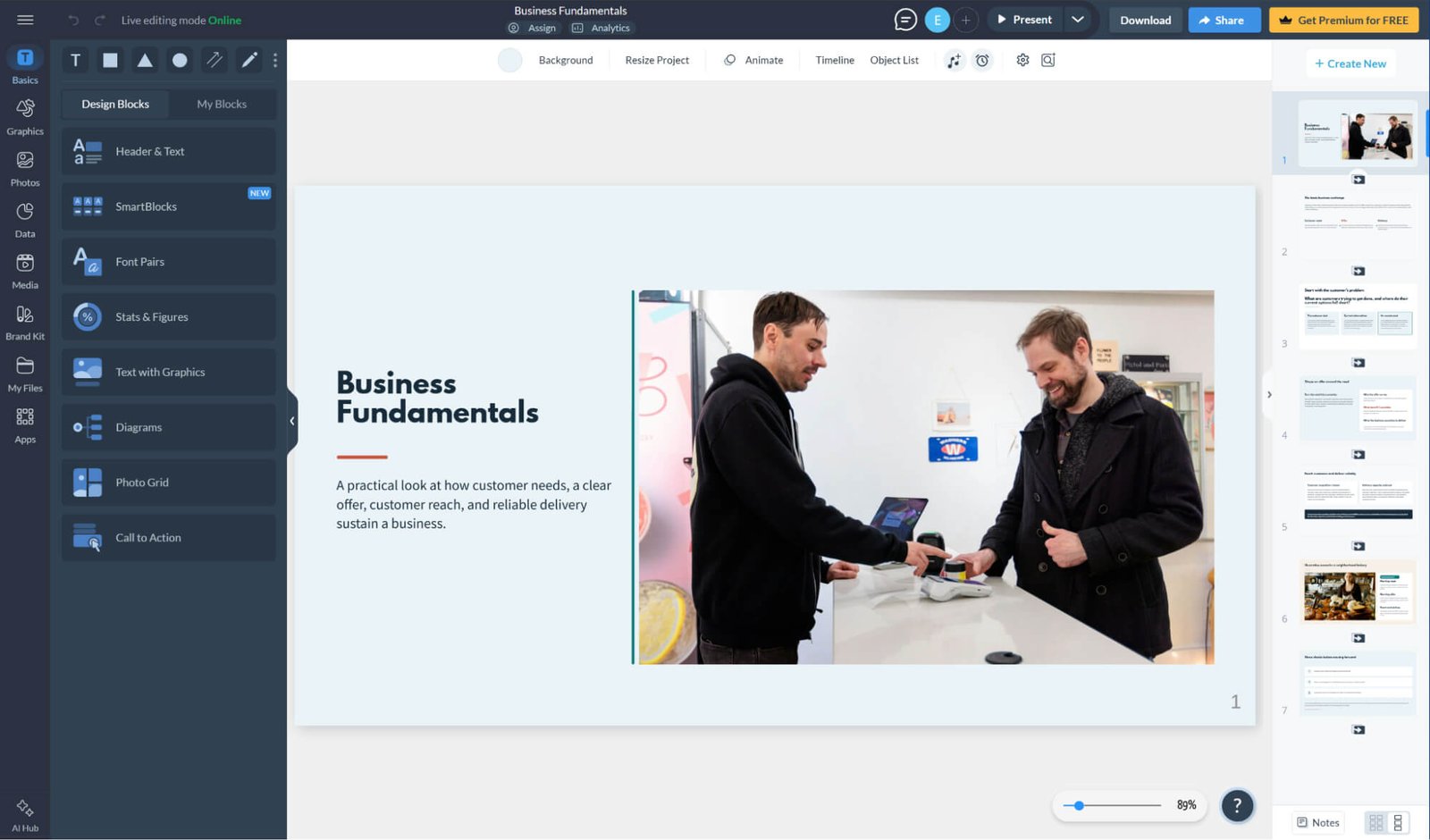
Turning raw numbers into clear visual stories is where Visme shines. While you handle the deep research, its AI drafts slides from your prompts or files, unlocking 50+ charts, infographics, and interactive maps with live Excel and Google Sheets syncing.
An all-in-one visual workflow pairs adaptable layouts with built-in 3D graphics and a one-click Brand Kit, making slide customization fast and on-brand.
Flexible export options round out the tool—download your deck as PowerPoint, PDF, or offline HTML5, or share a trackable link with viewer analytics.
Pros
- Extensive data visualization & infographic tools
- Live excel & Google Sheets data syncing
- Rich 3D assets, interactive widgets & brand kit
- Versatile exports
Cons
- Steeper learning curve than simpler AI tools
- No downloads or PPTX exports on free plan
SlidesAI: Best Text-to-Slides AI Tool for Presentations
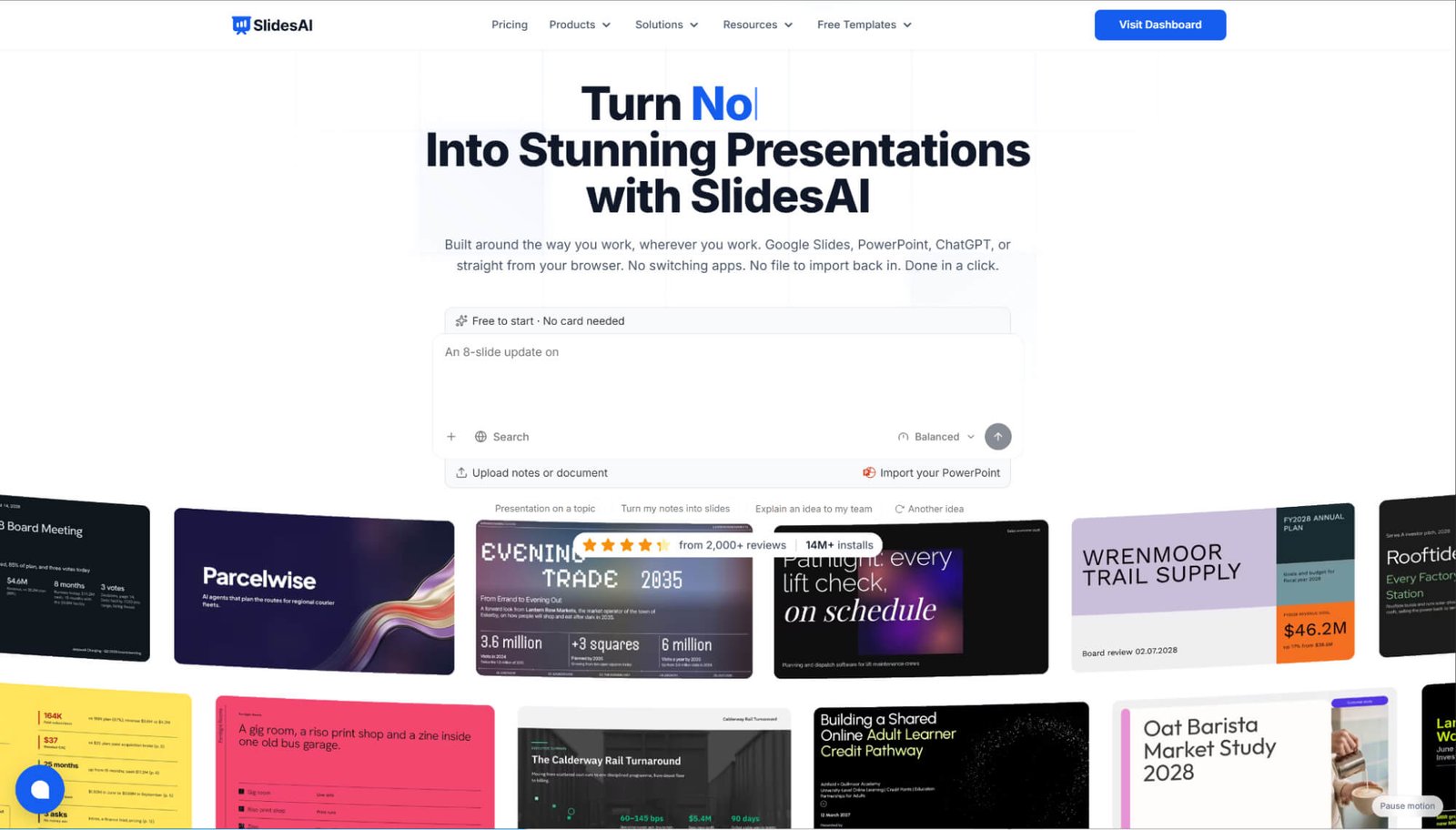
Designed for speed, SlidesAI turns raw notes or documents into structured decks across 100+ languages—working directly inside Google Slides and PowerPoint. While you supply the research, it auto-populates smart layouts across 150+ templates right inside your daily workflow.
Built-in AI tools make it easy to customize copy, remix layouts, or add visuals. Because your deck lives natively in Google Slides or PowerPoint, exports to .pptx or PDF stay completely glitch-free.
Pros
- Fast text-to-slides conversion in 100+ languages
- Native Google Slides & PowerPoint integration
- Built-in AI copywriting & layout remixing
- Seamless, glitch-free PPTX & PDF exports
Cons
- No built-in deep research
- Basic template aesthetics compared to design-first tools
- Strict character & deck limits on free plan
Presentations AI: Best Enterprise-Ready AI Tool for Presentations
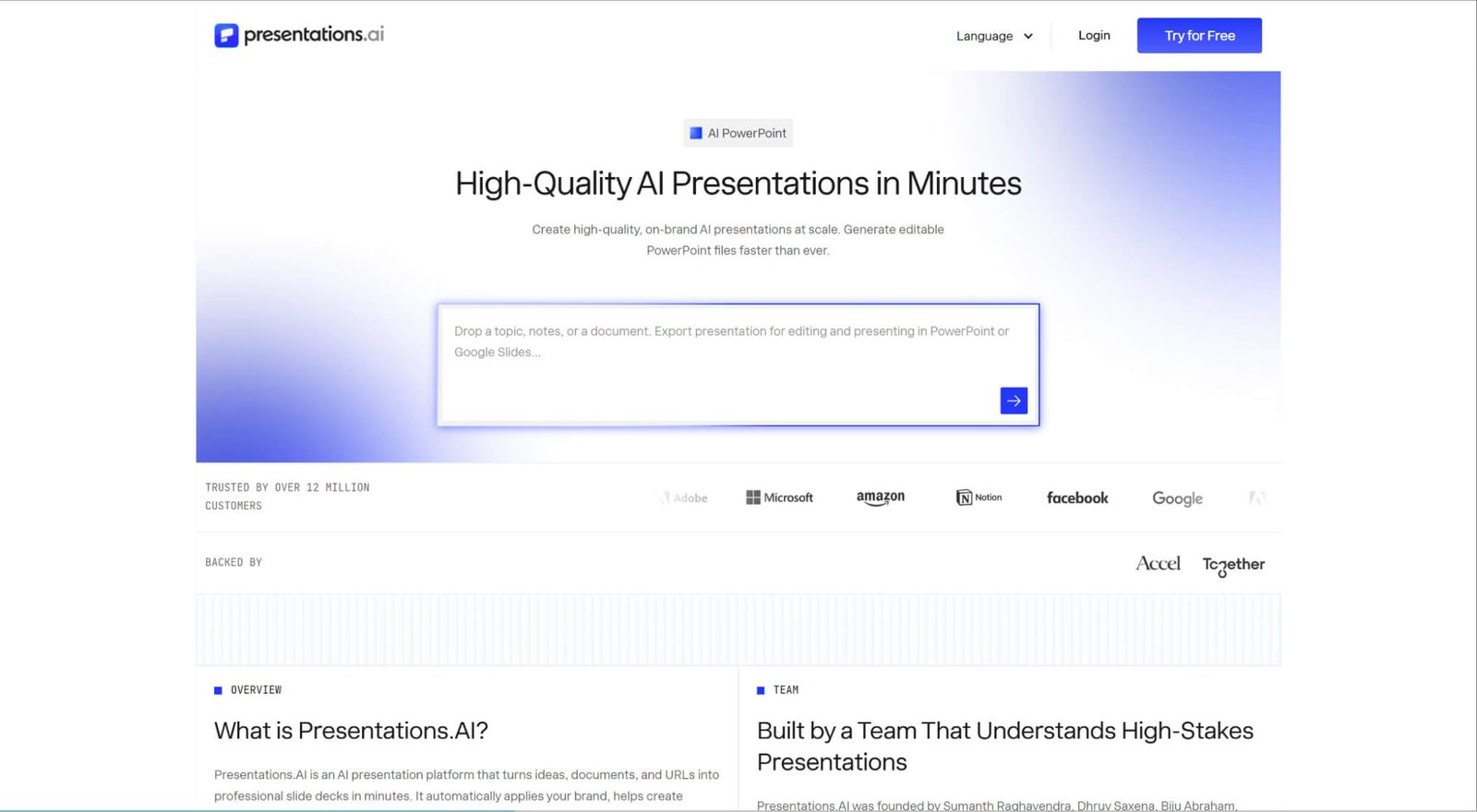
If you regularly turn dense reports into decks, Presentations.AI is an easy recommendation. It won't do autonomous deep research for you, yet dropping in a hefty PDF or URL fits seamlessly into a fast-paced workflow—distilling complex data into a clear story in seconds.
What really won me over is its "anti-fragile" engine: smart layouts automatically rebalance whenever you add text, while Brand Sync pulls fonts and colors straight from your website for effortless customization. The templates lean a bit corporate, but exporting to PowerPoint or PDF is smooth and reliable.
Pros
- Excellent long-document & PDF summarization
- "Anti-Fragile" layouts auto-adjust to prevent broken slides
- Brand sync extracts assets directly from your website URL
- API access & CRM sync for auto-updating data
Cons
- Corporate, repetitive design aesthetics
- Strict usage limits on free tier
- Layout drift can occur during complex PowerPoint exports
- Less freeform visual creativity
Prezi: Best Non-Linear AI Tool for Presentations
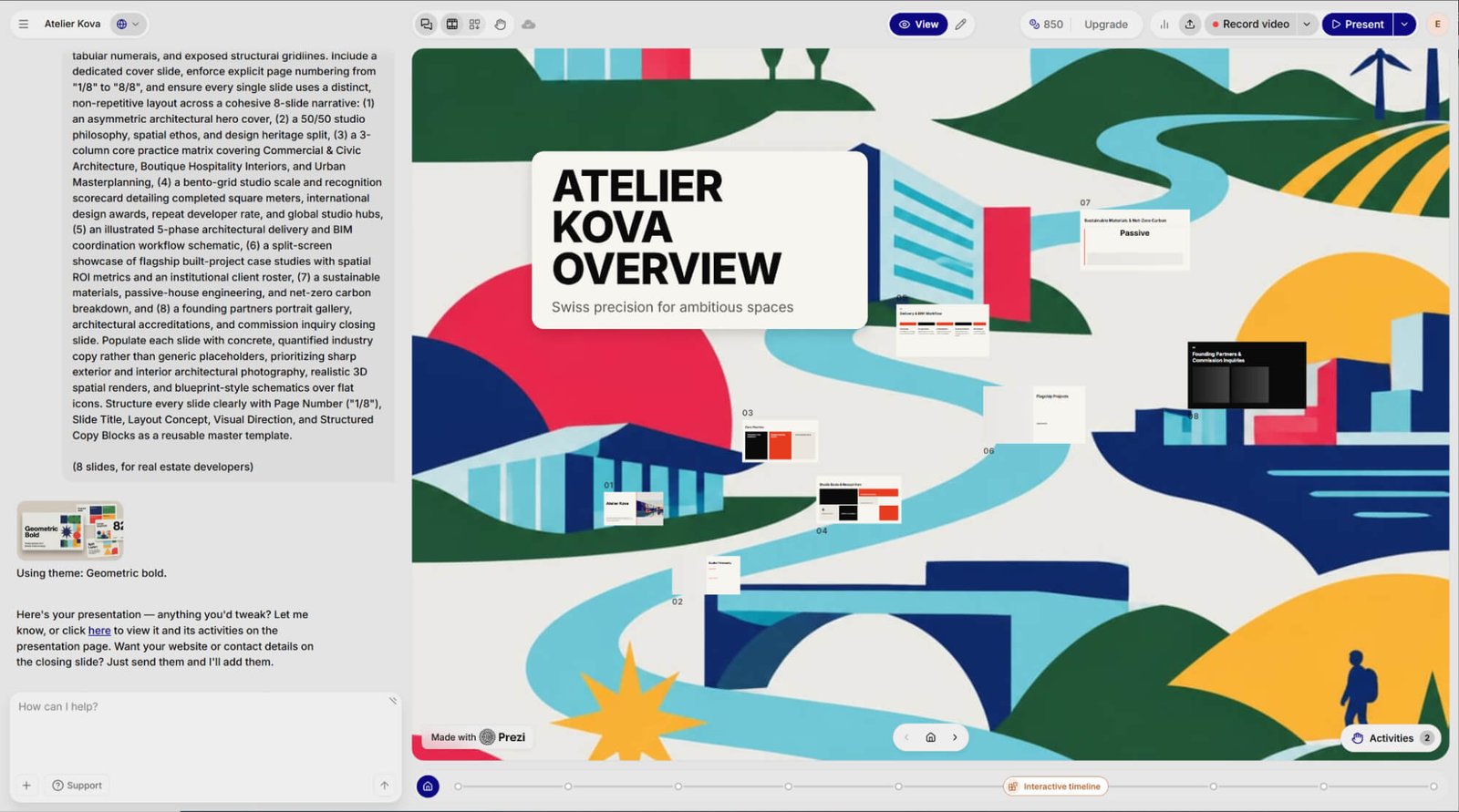
If you're tired of predictable, slide-by-slide decks, Prezi is an absolute breath of fresh air. You still handle the deep research, but its AI turns your text into a dynamic, zooming canvas—transforming a standard workflow into a highly engaging, non-linear story.
Instead of rigid grids, its smart layouts act like spatial mind-maps. I love how effortlessly you can customize these visual paths, especially using Prezi Video to float your graphics right next to your face during live virtual meetings.
The only catch is exporting. Because the tool's magic relies entirely on motion, downloading a flat PowerPoint or PDF strips away the zooming effects. To do it justice, you'll always want to share it as a live link or present it directly on screen.
Pros
- Dynamic, zooming non-linear canvas
- Prezi video for presenting alongside content
- Seamless virtual meeting integrations (Zoom, Teams, Webex)
- Highly engaging spatial storytelling
Cons
- No built-in deep research
- Flat exports (PDF/PPTX) completely lose the zooming magic
- Spatial layouts have a steeper learning curve
Conclusion
Each of these 10 AI tools for presentations excels in its own way. Simply look at your daily workflow and pick the AI presentation maker that best fits how you create and share slides.
If you want a truly hands-off AI to make PowerPoint presentations, I strongly recommend trying HIX AI. Its all-in-one workspace handles deep research, slide copy, custom visuals, and clean .pptx exports—turning rough ideas into ready-to-present decks in minutes.
🔒Safe • 💳Versatile Plans Offering • 🌟4.8/5 Rating